Below are the steps that you need to follow to add any page to your website’s menu.
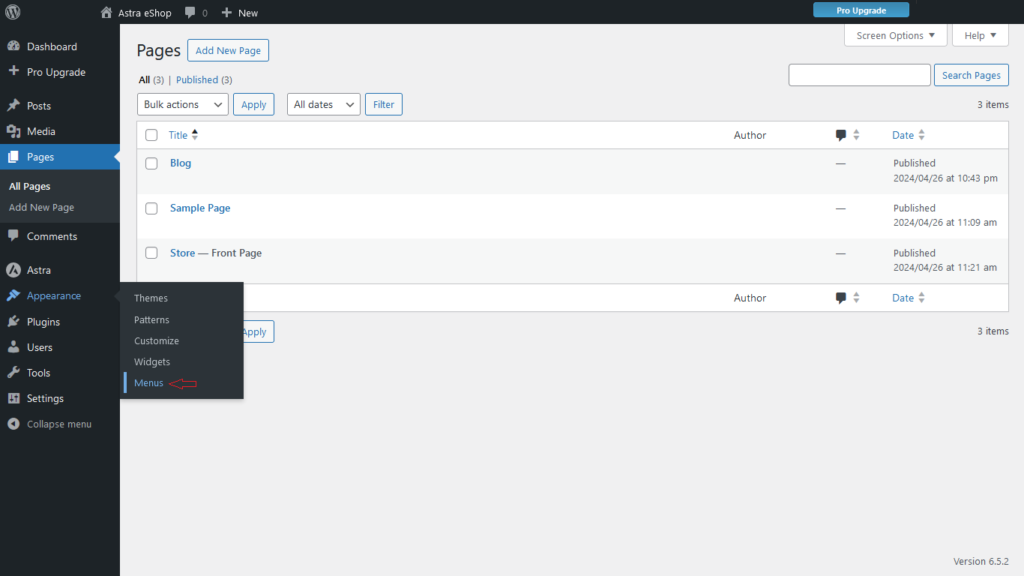
- Click on the Menus option under Appearance.
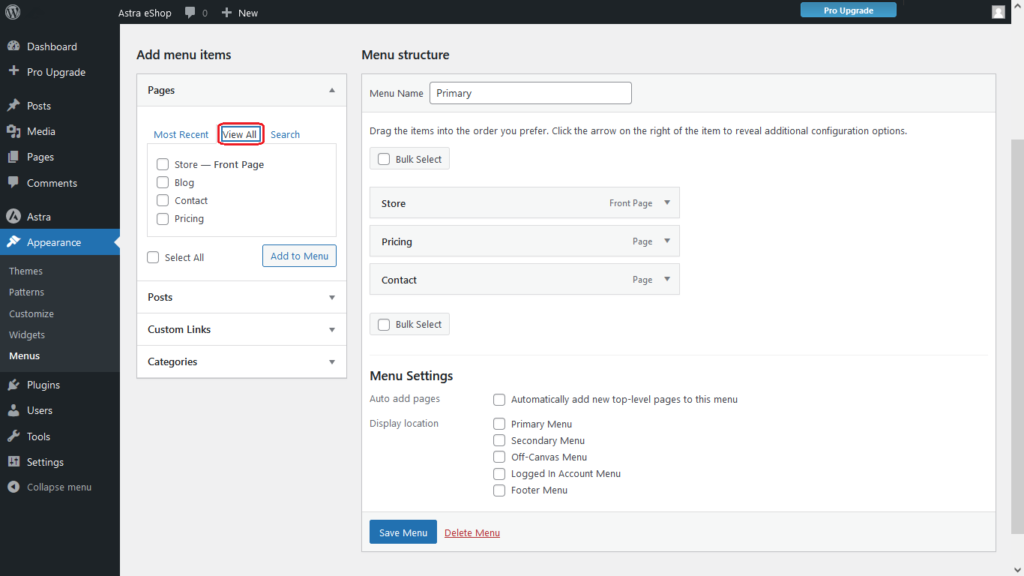
- Click on View All.
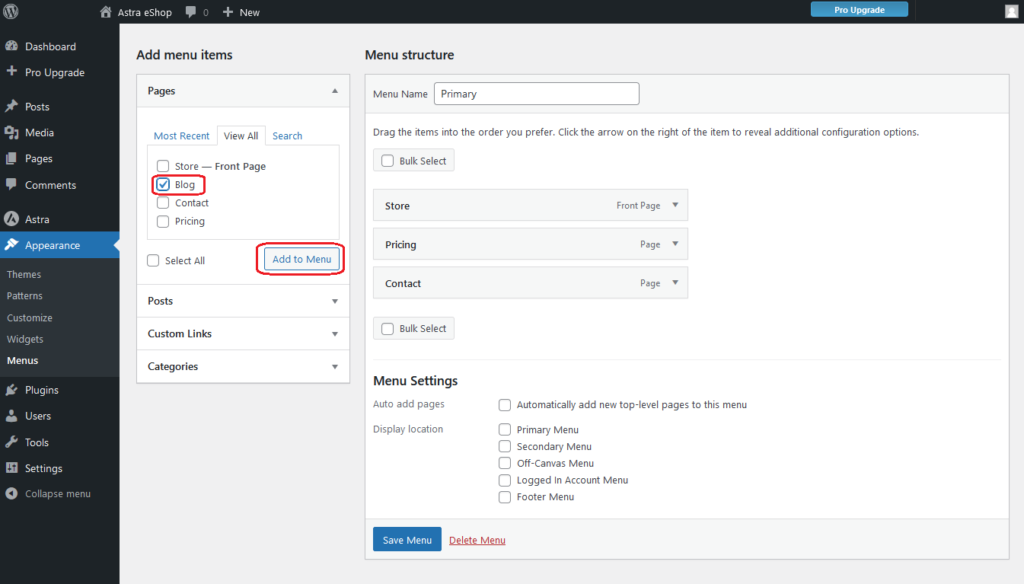
- Select the page you want to add, and click on the Add to Menu button.
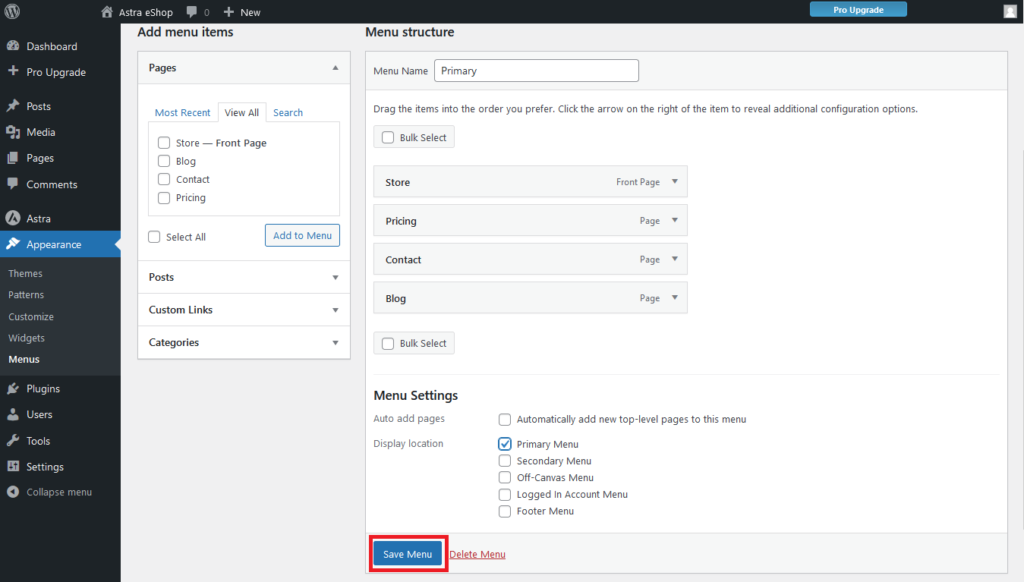
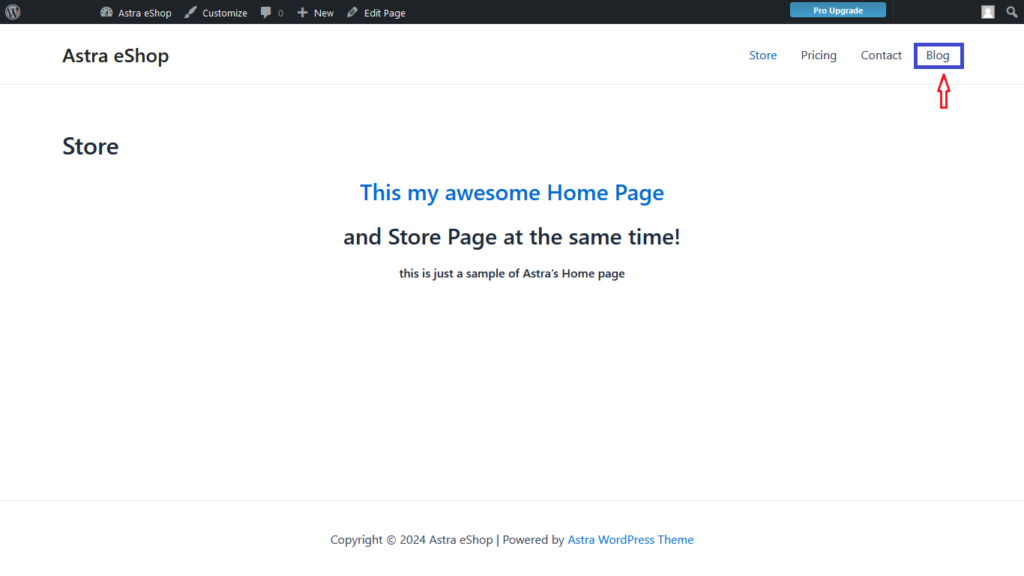
- When you see the Blog page added to the menu list, click on the Save Menu button.
- Once you add the page to your menu, it will display in the header of your site so people can see and explore posts on your website.
 George